
AI video and image generator
Genjutsu AI turns words into moving pictures
Write one line and Genjutsu AI renders a vertical short, a product ad or a cinematic still in minutes, with Seedance and GPT Image 2 under one account.
No subscription required. Failed renders refund their credits automatically.
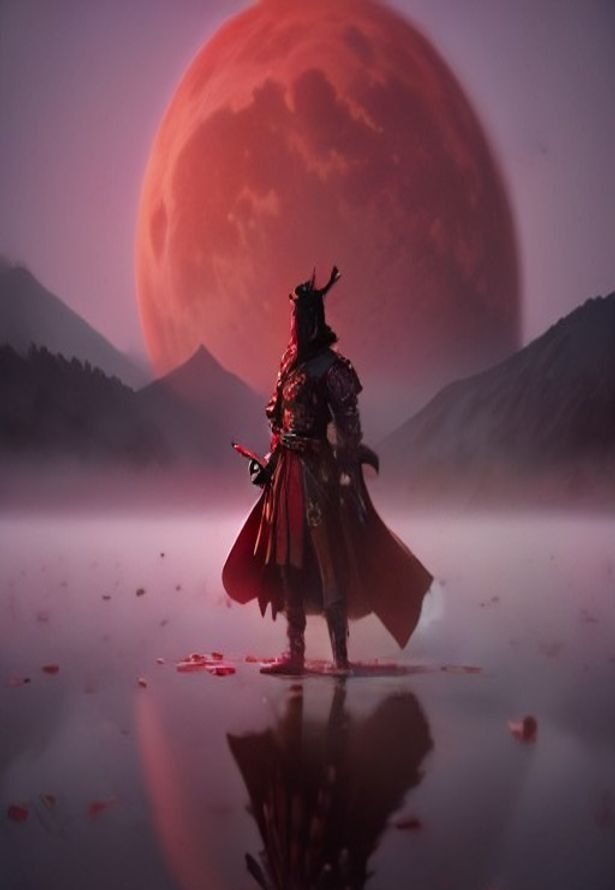
Four ways to start a project
Pick the format first. Each studio opens with sensible defaults, so your first render is one click away.
Top models, one account
No stack of separate subscriptions. Choose the model per shot, see the credit cost before you render, and pay only for what you generate.
Open the studio- Soon
AI Voiceover
Narration for your shorts
Prompts that already work
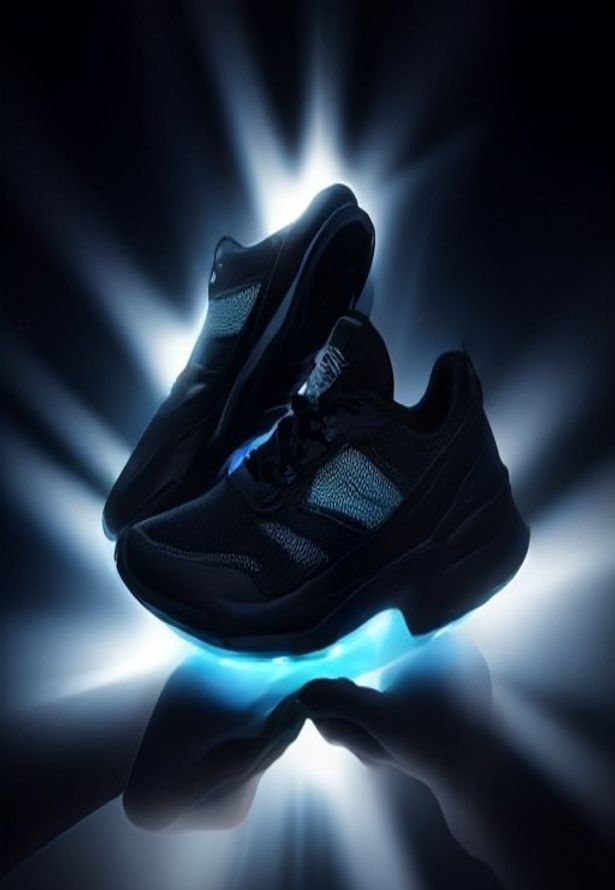
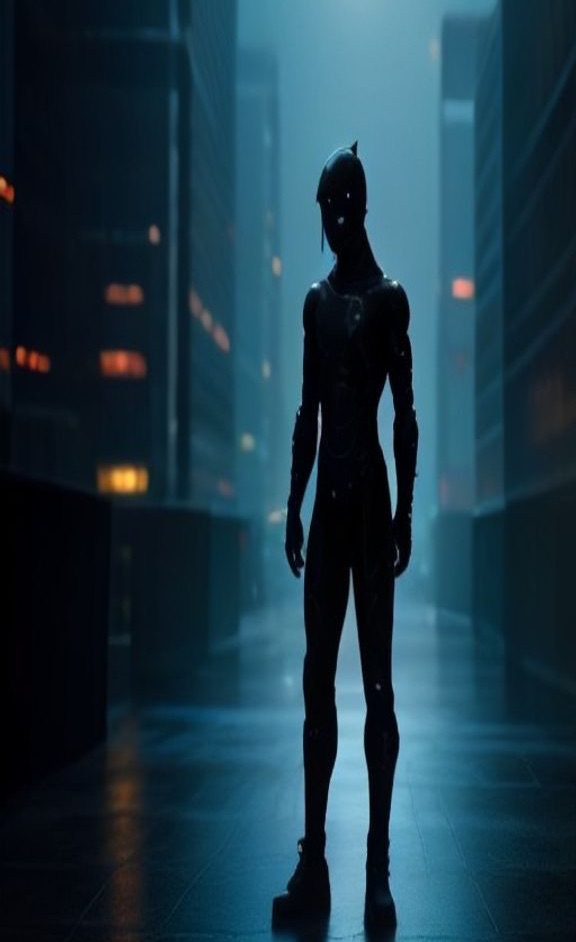
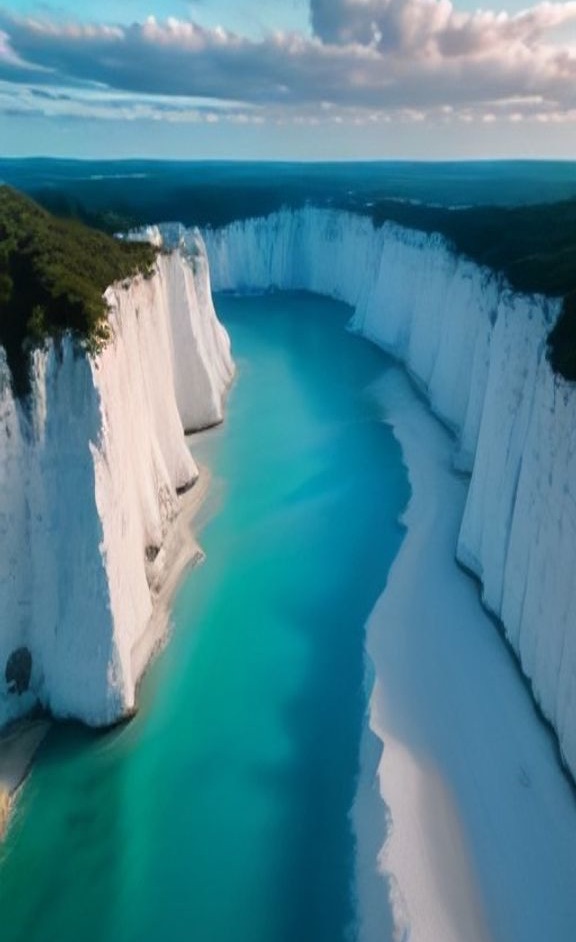
Each frame below started as a single prompt. Open one in the studio, change a word, make it yours.

About the studio
What is Genjutsu AI?
Genjutsu AI is an online AI video generator and AI image generator built for people who publish every day. The name comes from the Japanese word for an illusion technique: a scene that feels real but begins as an idea. That is the whole product. You describe what the camera should see, we send your prompt to a leading model, track the render, and hand back an MP4 or image you can post right away.
Most AI tools make you choose between quality and speed, or between one model and another, each with its own subscription. This studio puts Seedance Pro, Seedance Lite and GPT Image 2 behind a single credit balance. Draft a scene on a fast, low-cost model, then re-render the take you like in cinematic 1080p, without leaving the page or opening another account.
Every render is priced in credits, and you see the cost before you click Generate. If a generation fails, the credits come back automatically, so experimenting never feels like a gamble.
Why creators switch to Genjutsu AI
Prompts in plain language
Write the way you would brief a camera operator. The models understand subjects, lighting, lenses and moves like a dolly-in, an orbit or a handheld follow.
Vertical by default
Every video starts at 9:16 for TikTok, Reels and Shorts. Switch to 16:9 for YouTube or 1:1 for feed posts in one tap.
Credits you can read
Buy a one-time pack or a monthly plan. The price of each render is fixed and visible, and no subscription is needed to start.
Every take, saved
Recent creations stay in your history, so you can compare takes, download the winner and keep iterating.
One name, two tools
Genjutsu AI vs Higgsfield Genjutsu
Many people searching for genjutsu are looking for Higgsfield Genjutsu, a video-to-video tool Higgsfield released in September 2026. It rebuilds a clip you already have. Motion Transfer keeps the acting, lip sync and camera movement while swapping in a new character, location or look. Object Swap replaces a single element, such as an outfit or a product, and leaves the rest of the shot untouched. It accepts source videos of 3 to 30 seconds and outputs up to 1080p.
This site is an independent studio and is not affiliated with Higgsfield. Instead of editing footage you upload, it creates new footage from a written prompt. If you need to recast a clip you already shot, Higgsfield's tool is made for that. If you have an idea but no footage, start here: describe the shot and get a finished clip back.
How to make a Genjutsu AI video
A full walkthrough, from a blank prompt to a downloaded MP4. Most first clips take under five minutes.
- 1
Open the studio
Go to Create and choose Video. Sign in so your credits and render history stay with your account.
- 2
Describe the shot
Name the subject, what it does, where it happens and the light. Add one camera move, such as a slow dolly-in or a handheld follow.
- 3
Set the format
Pick Seedance Lite for drafts or Seedance Pro for final takes, then 9:16, 16:9 or 1:1, 720p or 1080p, and 5 or 10 seconds. The credit cost updates as you choose.
- 4
Render and review
Press Generate. Clips usually arrive in one to three minutes and are saved to Recent creations, so you can leave the page while they render.
- 5
Iterate, then post
Change one detail per take, keep the version that works, and download the MP4 for TikTok, Reels, Shorts or an ad.
Following a Higgsfield Genjutsu tutorial instead? That workflow is different: upload a 3 to 30 second clip, add images of the character or product, choose Motion Transfer or Object Swap, then render. It edits existing footage, while the steps above create footage from scratch.
Change outfits, weather and scenes with a word
Every clip starts from text, so restyling a scene means editing a phrase, not masking frames. Keep the subject and camera line the same and swap one detail per take.
Outfit
A dancer spins on a rooftop at dusk, slow orbit, cinematic, wearing a flowing red silk dress a black leather jacket and jeans
Try both versionsWeather
A street vendor serves steaming noodles under a paper lantern at night, handheld close-up, light rain heavy snowfall
Try both versionsScene
A hiker in a yellow jacket walks toward the camera, slow dolly-in, on a misty mountain ridge on a neon-lit Tokyo street at night
Try both versionsGenjutsu vs Seedance: which fits your shot?
They solve different problems. Higgsfield Genjutsu transforms a video you already have. Seedance, which powers the video side of this studio, creates a new clip from a written prompt.
| Higgsfield Genjutsu | Seedance on this site | |
|---|---|---|
| Starting point | An existing 3 to 30 s video plus reference images | A text prompt, no footage needed |
| What you change | Who or what appears, while motion and camera stay locked | Subject, setting, light, style and camera move |
| Clip length | Follows your source clip | 5 or 10 seconds |
| Resolution | Up to 1080p | 720p or 1080p |
| Typical cost | About $2 (480p) to $7.20 (1080p) per 15 s clip, as reported at launch | From 140 credits ($1.40) for 5 s at 720p |
| Best for | Recasting footage, product and outfit swaps | New ideas, B-roll, ads and shorts with no filming |
Higgsfield details come from its launch materials and may change. Check higgsfield.ai for current pricing.
Is Genjutsu AI free?
Creating an account, browsing the prompt library and opening any example in the studio cost nothing. Rendering uses credits, because every clip runs on paid GPU time at the model provider. There is no free plan, but there is no subscription requirement either: the smallest one-time pack is $5 for 440 credits, enough for three 5 second 720p videos. Credits from a failed render come back automatically, and the exact price is shown before you press Generate.
Arrived from a search for a free Higgsfield Genjutsu trial? Higgsfield offered free tries of its own tool at launch; those limits are set on higgsfield.ai, not here.
See pricing
Who it is built for
- Content creators
- Keep a daily posting schedule without filming every shot. The studio generates B-roll, covers and story scenes on demand, so the camera is never the bottleneck.
- Short-video teams
- Test more hooks and formats per week. Render five openings for the same idea, post the strongest, and learn from the numbers instead of guessing.
- Marketers
- Spin up ad variations and product visuals in minutes instead of booking a studio. It is quick enough for daily creative testing on paid social.
From prompt to post in three moves
- 1
Describe it
Write what you want to see, or start from an idea card. Mention the subject, the setting, the light and how the camera moves.
- 2
Pick a model
Choose video or image, the model, aspect ratio and length. You see the exact credit cost before anything renders.
- 3
Download and post
Most images arrive in under a minute and videos in one to three. Download the MP4 or image and publish anywhere.
Pricing
Buy credits once or subscribe. Credits are only spent when you generate.
A 5s 720p video = 140 credits · 1 image = 160 credits
Basic
For casual creators
- 2,200 credits
- ≈ 15 videos (5s · 720p)
- or ≈ 13 HD images
- Up to 1080p video, all models included
- Credits refill every month
- Cancel anytime
Pro
For regular posting
- 4,400 credits
- ≈ 31 videos (5s · 720p)
- or ≈ 27 HD images
- Up to 1080p video, all models included
- Credits refill every month
- Cancel anytime
Studio
For creators and small teams
- 8,800 credits
- ≈ 62 videos (5s · 720p)
- or ≈ 55 HD images
- Up to 1080p video, all models included
- Credits refill every month
- Cancel anytime
Frequently asked questions
Answers about creating with Genjutsu AI: credits, models, formats and prompts.
Your next post starts here
Cast your first Genjutsu AI scene tonight
Write a line, pick a model and watch it render. No camera, no crew, no editing timeline.
Start creating