The reference edit
Choose a sequence for its opening, shot order and rhythm. Save notes on the moments that make you want to recreate it.
Reference video field guide · November 14, 2026
Katana rebuilds a reference edit with your characters, products or clothing. The footage guides the sequence; your images supply the new subjects. It runs through Higgsfield’s connector in Claude. Official overview ↗
An independent guide by Genjutsu AI. The short-video editor on this page is a separate service.
01 / Understand the inputs
Choose a sequence for its opening, shot order and rhythm. Save notes on the moments that make you want to recreate it.
Choose images that clearly show the person, product or clothing you want to feature. Decide which image identifies each subject.
Separate the details to preserve from the changes you want. “Keep the final close-up; change the jacket” gives you something specific to review.
These are our preparation tips. For the official input rules, use the Katana help page.
Watch beyond the thumbnail
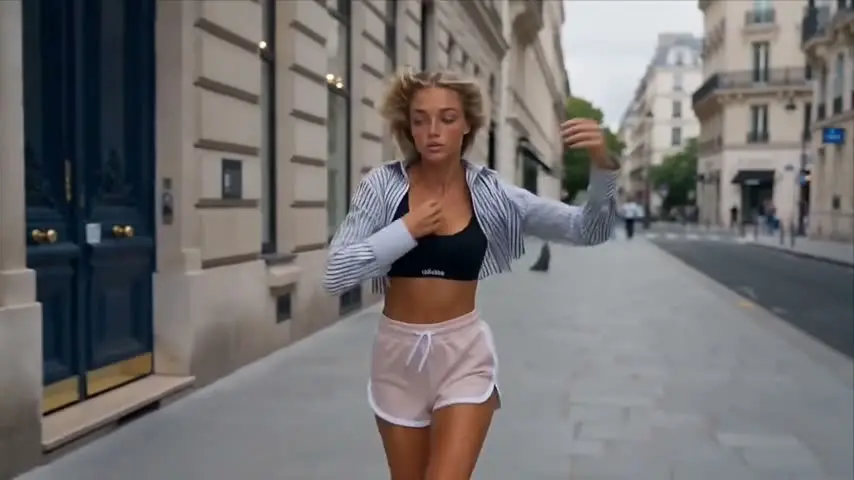
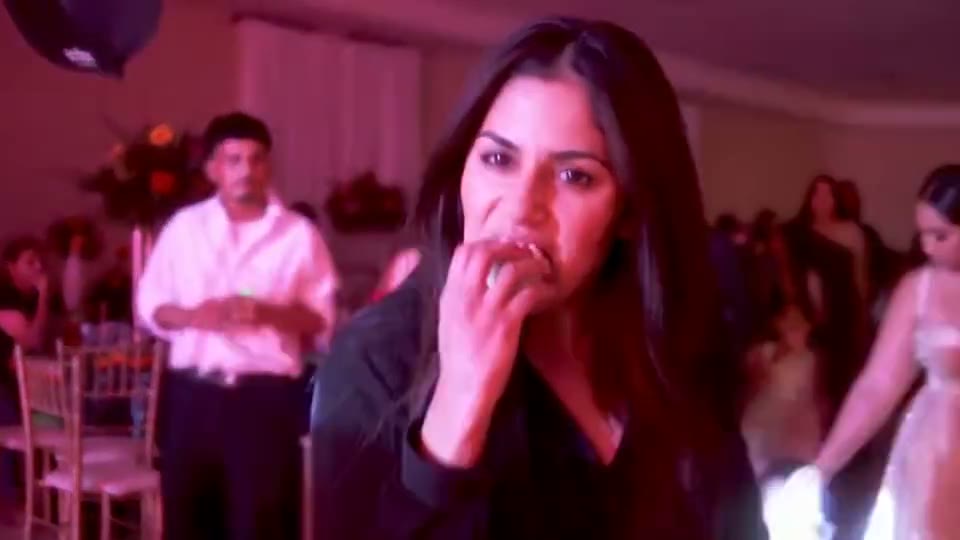
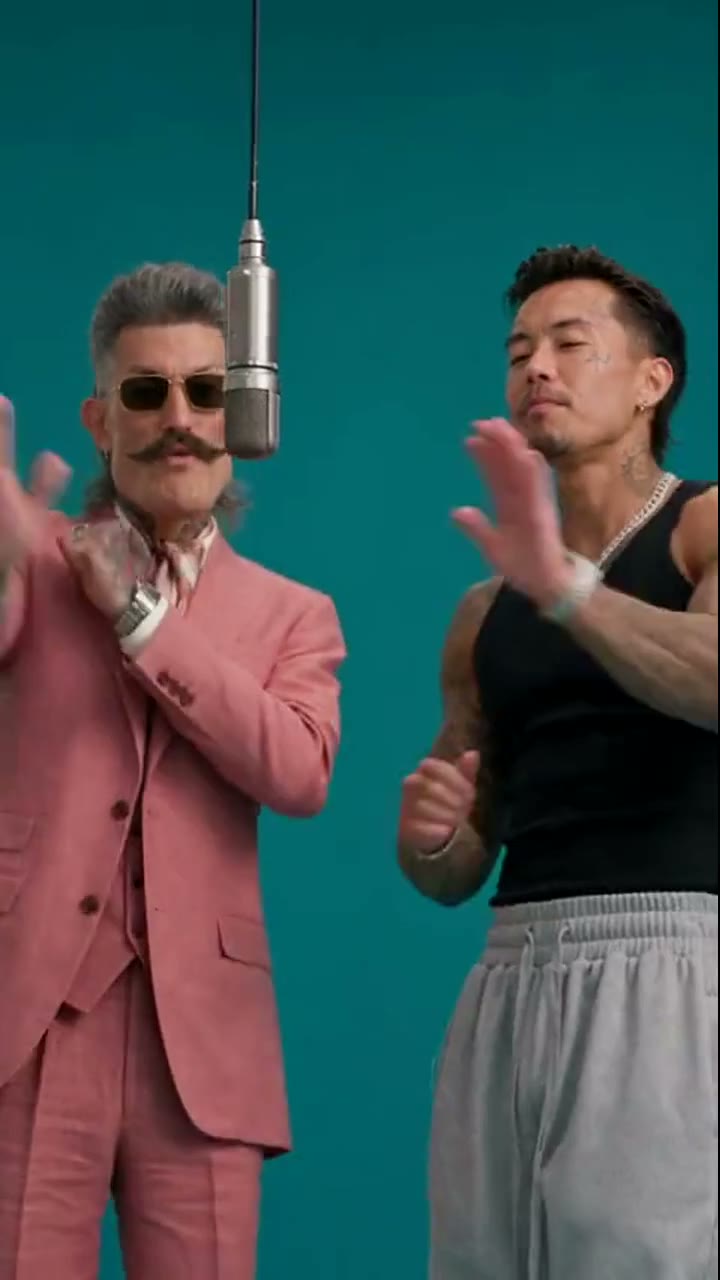
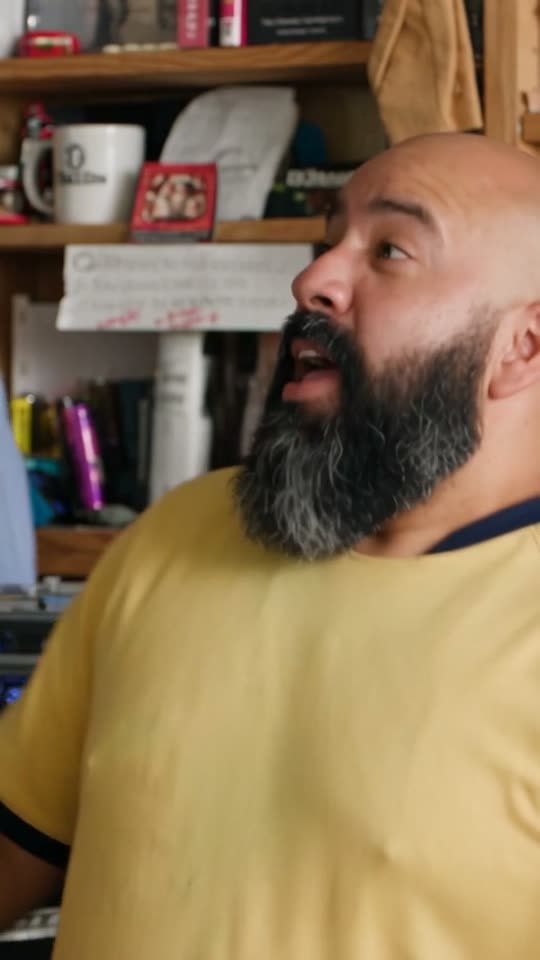
Use this preview to think about the finish you want. Check linework, character consistency and transitions across the cut; a still thumbnail cannot show those details.
Watch how framing, movement and graphic accents work together. When you choose a reference, judge the whole sequence as well as the face in one frame.
Both videos are Higgsfield demonstrations, hosted by their source. They are examples of Katana’s presentation, not results from the editor below.
02 / The official workflow
With a paid Higgsfield account, open Claude’s Settings → Connectors. Add Higgsfield using https://mcp.higgsfield.ai/mcp and sign in. An API key is not required.
Official instructions ↗Choose a Katana preset or your reference edit, then supply up to five images. Use the Higgsfield upload window in the chat so the files reach the service.
Official instructions ↗Start the request with /katana. Identify the subject to replace and the parts of the reference to retain. The brief examples below are starting points you can adapt.
Official instructions ↗Check the credit quote before confirming. After delivery, review the full sequence and describe any corrections in the same chat. New generations can add to the cost.
Official instructions ↗Written for the official Katana workflow in Claude. Replace the asset descriptions with your own.
/katana Use my uploaded character reference for the lead. Keep the opening beat and the final close-up from the reference edit. Preserve the jacket color. Show me the credit estimate before generating.
/katana Rebuild the reference around my product images. Start with the silhouette, reveal the front label, then finish on the pack. Keep the packaging proportions and label legible. Quote the generation cost first.
/katana Use these outfit photos throughout the reference sequence. Keep the fabric color and sleeve length consistent. Include a full-body view before the detail shot. Estimate the credits before starting.
03 / Before you generate
Higgsfield uses the credits in your existing plan. The quote appears before generation; versions that need new renders can spend more. There is no single price that covers every edit. Billing explanation ↗
Unlimited access on the Higgsfield website does not carry over to MCP generations. Keep the displayed credit estimate separate from any website-only allowance. MCP credit rules ↗
For a useful comparison, write down the total for the first usable version, including revisions. Compare that with your budget before starting another render.
04 / Choose the scope
Match the workflow to the change you need. The editor here focuses on an existing short performance.
| Your decision | Official Higgsfield Katana | Genjutsu AI here |
|---|---|---|
| Main job | Rebuild the reference edit around new subjects | Recast the lead in a short reference scene |
| Where you work | Claude with Higgsfield connected | The browser editor below |
| Inputs | Reference edit or preset; up to five images | A scene or uploaded clip, plus a character photo |
| Video scope | Check the selected preset and current service limits | 3–10 seconds; longer uploads are trimmed |
| Payment | Higgsfield plan credits and a generation quote | One-time packs; the button shows the current price |
Katana details: official overview. For a comparison with Higgsfield’s separate motion-transfer product, read Higgsfield Genjutsu workflows and costs.
Create on Genjutsu AI
Select a scene or upload a 3–10 second video, then add your photo. Generation uses this site’s paid credits. This editor is independent of Higgsfield Katana.
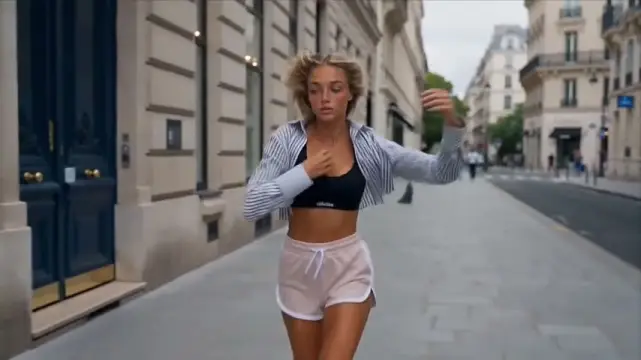 Street Runway10s · 16:9
First video $9.90 · one-time, no subscription
For your first edit, use one clearly visible lead and an unobstructed face. Review the face, hands and background before downloading. Upload guide · Video packs
The practical details
Katana is Higgsfield’s reference-edit workflow in Claude. A video or preset supplies the edit structure; images supply the new subjects. Higgsfield runs the generations through its connector.
Source: Higgsfield ↗Here, Katana is the name of a video-editing workflow. Its official examples cover aura edits and stylized sequences; the name does not restrict the output to swords or samurai scenes.
Source: Higgsfield ↗A paid Higgsfield plan is required. Generations through MCP spend credits even when a plan includes unlimited access on the Higgsfield website. Check the quote for your particular edit.
Source: Higgsfield ↗The Katana-specific help page documents Claude. Higgsfield also has connections for other assistants, but that alone does not establish identical Katana features in every client. Check the current Katana entry point.
Source: Higgsfield ↗Check the selected workflow’s current limits. The official 3–30 second requirement describes videos submitted as community presets; it should not be treated as a universal output-length guarantee.
Source: Higgsfield ↗No. This site is an independent service. The generator below the guide edits a short reference clip with a character photo. It does not connect to your Higgsfield account or reproduce the full Katana editing workflow.
Choose a built-in scene or upload a 3–10 second clip, add a clear character photo, and create a paid character edit. Longer uploads are trimmed. The displayed price, saved draft and result download belong to this site’s existing editor.
Sources checked November 14, 2026
Katana help · Claude connection · Credit rules · Official presets
Product details and preset availability can change. Use the linked official pages for current limits. Explore more video guides.